
Automating Claude Code in OpenShift Dev Spaces
I’ve been working a lot with Red Hat OpenShift Dev Spaces lately (the upstream project is Eclipse Che). Many of my customers are fascinated by the idea of completely codified, self-contained development environments. They love that these environments run on their own infrastructure, giving them full control over the development domain, security permissions, and performance.
One of the massive benefits of Dev Spaces is the ability to “codify” the entire environment—the tooling, the pre-baked commands, and the infrastructure around it.
For example, Dev Spaces provides a simple way to automatically authenticate a developer to GitHub using a GitHub OAuth application. This means every development environment spun up is already authenticated; it has the git CLI configured, it connects to private repositories, and it can push branches and commits based on permissions defined on the GitHub side.
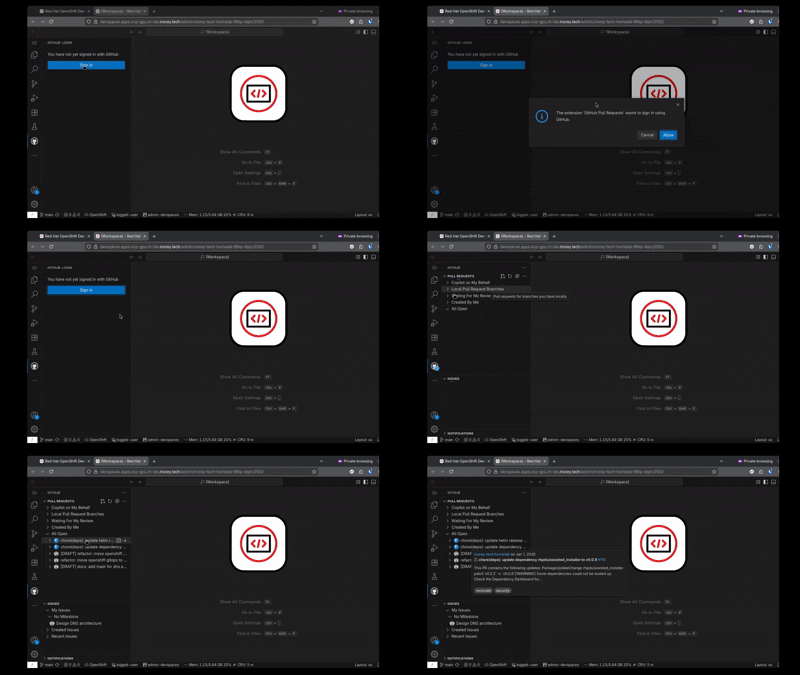
I wanted to take this exact pattern and apply it to Claude Code.
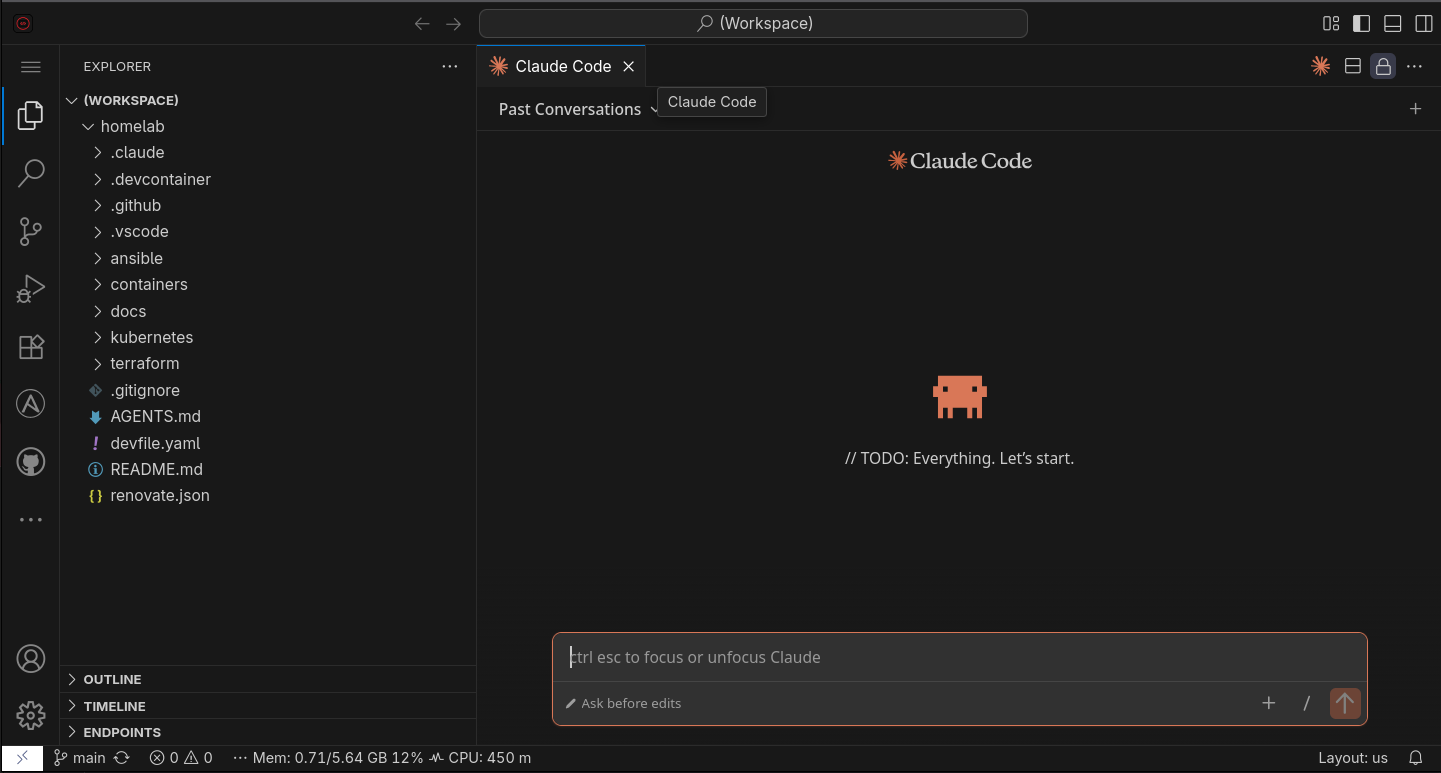
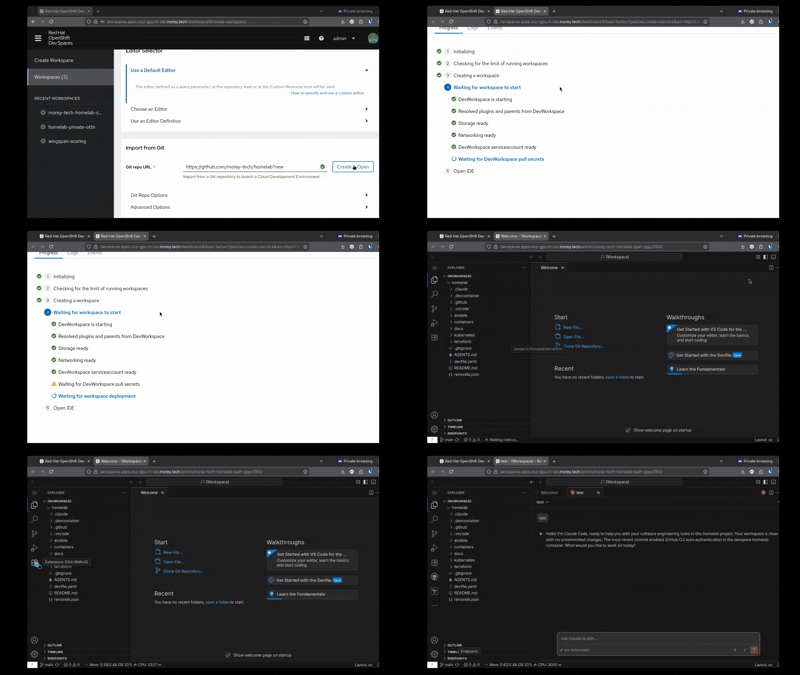
My goal was simple: I want my Dev Spaces to launch with the Claude Code extension already installed, and—crucially—automatically authenticated. I want to jump straight into the coding task I spun the environment up for, without fiddling with login commands.
Here is how I accomplished that.
Prerequisites: Getting the Extension
Before handling authentication, we need to ensure the extension actually installs.
By default, the Che Cluster might use a limited subset of extensions. To access Claude Code, you need to configure the Che Cluster to use the Open VSX plugin repository. Since Claude Code is published to Open VSX, this makes it available for discovery.
kind: CheCluster
apiVersion: org.eclipse.che/v2
metadata:
  name: devspaces
  namespace: openshift-devspaces
spec:
  components:
    pluginRegistry:
      openVSXURL: https://open-vsx.org  # <---
To force the extension to install automatically when the Dev Space launches, I include a .vscode/extensions.json file in the repository I’m working on.
File: .vscode/extensions.json
{
  "recommendations": [
    "Anthropic.claude-code"
  ]
}
The Authentication Strategy: API Key vs. OAuth
To automate the login, I needed to pass credentials into the environment.
While it is technically possible to use a Claude Code subscription (via an OAuth token), I found that approach flaky. I was worried the token generated via the CLI would be short-lived and expire, requiring me to constantly update my secrets.
Instead, I opted for an Anthropic API Key.
There was also a cost factor. I initially started with the Claude Code Pro subscription (~$20 CAD/month) but hit session limits constantly. I switched to Claude Code Max (~$140 CAD/month) to avoid those limits, but I felt I was horribly underutilizing it. By switching to an API Key, I pay only for usage. This creates a more stable authentication method that is strictly pay-per-use, which works better for my lab environment.
The Implementation: External Secrets
To get the API key into the cluster securely, I used External Secrets Operator (ESO).
Note: While ESO isn’t strictly required, I highly recommend it. My backing store is a cobbled-together Bitwarden solution (fine for my homelab), but for production, you should use HashiCorp Vault or something similar.
The Challenge: Namespaces
Dev Spaces are created in user-specific namespaces. For example, my user is admin, so my workspaces spin up in a namespace called admin-devspaces.
If I used a standard ExternalSecret, it would have a 1-to-1 relationship with a secret in a single namespace. To make this API key available to all users spawning Dev Spaces, I needed a **ClusterExternalSecret**.
Dev Spaces namespaces automatically have the label component: workspaces-namespace. I configured the Cluster External Secret to replicate the Anthropic API key secret into any namespace matching that label.
apiVersion: external-secrets.io/v1
kind: ClusterExternalSecret
metadata:
  name: claude-code-api-key
spec:
  #...
  namespaceSelector:
    matchLabels:
      app.kubernetes.io/component: workspaces-namespace
The Secret Configuration
The secret itself needs specific labels and annotations to tell the Dev Workspace controller to:
- Watch the secret for updates.
- Mount the values of the secret as environment variables within the workspace.
apiVersion: external-secrets.io/v1
kind: ClusterExternalSecret
metadata:
  name: claude-code-api-key
spec:
  #...
        metadata:
          labels:
            # Required for DevWorkspace controller to mount into workspaces
            controller.devfile.io/mount-to-devworkspace: 'true'
            controller.devfile.io/watch-secret: 'true'
          annotations:
            # Mount secret data as environment variables
            controller.devfile.io/mount-as: env
The “Gotcha”: The apiKeyHelper
According to the Claude Code documentation, simply having the API key available as an environment variable ANTHROPIC_API_KEY should be enough.
However, after hours of research and trial and error (and reading GitHub issues from frustrated users), I found that the VS Code extension and CLI often failed to pick up the variable automatically.
The fix was a specific setting in the repository configuration. I had to create a local settings file that explicitly tells Claude Code how to find the key.
File: .claude/settings.local.json
{
    "apiKeyHelper": "bash -c 'echo $ANTHROPIC_API_KEY'"
}
This apiKeyHelper command effectively echoes the environment variable (mounted by our Secret) back to the extension. Once I added this, the extension authenticated immediately upon launch.
Areas for Improvement
While this setup works, it still relies on “opt-in” configuration files living inside the repository (.vscode/extensions.json and .claude/settings.local.json). My ideal end-state is to remove this repository dependence entirely, making AI readiness a platform capability rather than a repository feature.
- Global Default Extensions: I want to configure the Che Cluster instance to include Claude Code in the default set of extensions for the VS Code editor definition. This would mean every Dev Space using the VS Code image would get the extension automatically, without needing a repository-level recommendation file.
- Global Authentication Config: Similarly, I want to eliminate the
.claude/settings.local.jsonrequirement. If I can inject theapiKeyHelpersetting (or fix the environment variable detection) at the IDE image or workspace configuration level, any Dev Space spun up on this cluster would be instantly authenticated.
Summary
By combining Open VSX, External Secrets, and a small configuration tweak in the .claude folder, I now have fully codified AI-ready environments. I can spin up a fresh Dev Space, and Claude is ready to help code immediately—no login required.
My next iteration will be to set up automatic configuration of Roo Code with my local LLM running on vLLM.
Further Reading
Following the same intentions as this post, I set up automatic authenication for the gh CLI in my Dev Spaces using the GitHub OAuth application that already authenicated the git cli. Checkout the implementation here!